

Departments panel
The Header with departments (Kilowatt's) has an All categories button. It opens a panel with your departments down the side and, beside the one you point at, its columns and a promotion.
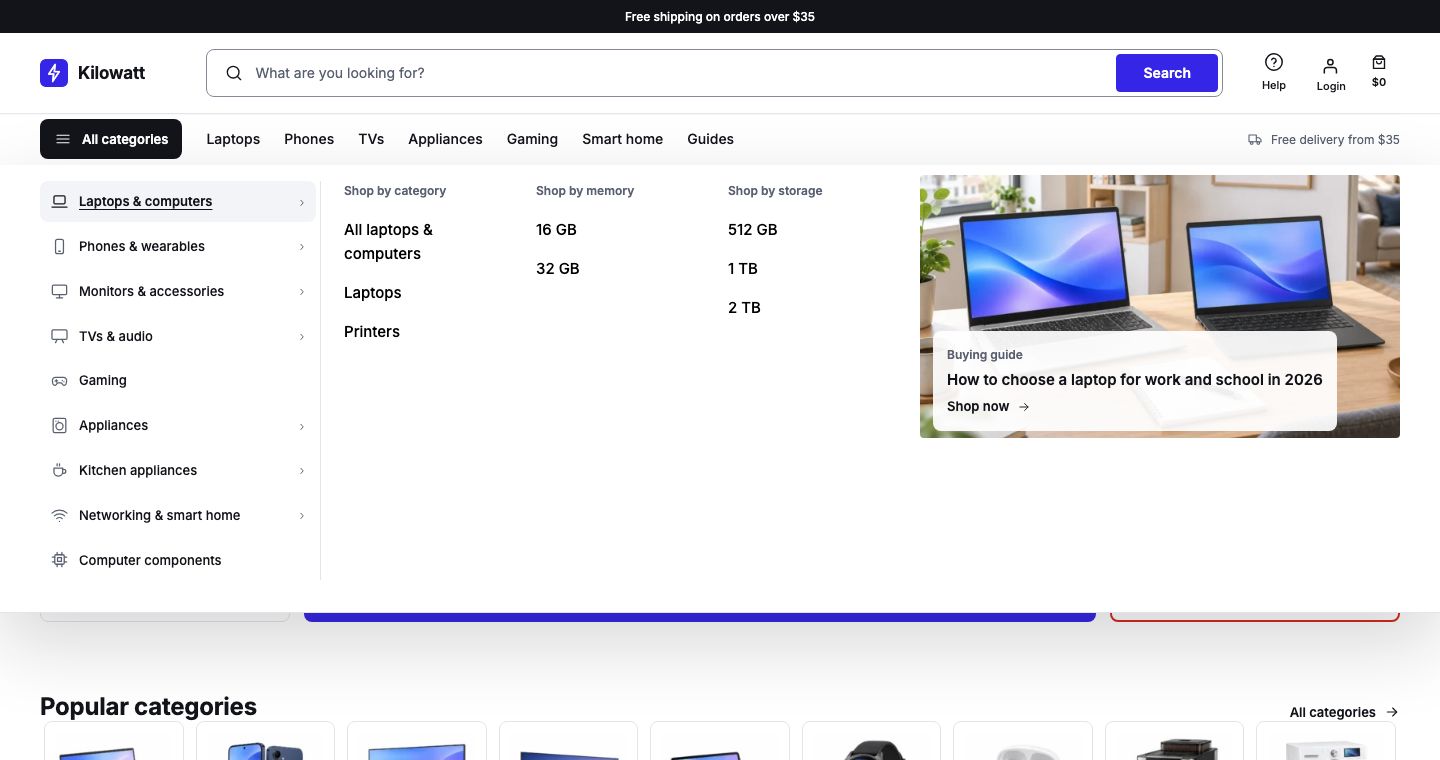
Without a menu
If the store has no menu with the slug departments, the panel lists your product categories.
With your own departments
- Go to Appearance → Editor → Navigation and create a menu whose slug is
departments. - Add one item for each department.
- To give a department an icon, select it, open Advanced and add a class such as
lanternwp-icon--laptopin Additional CSS class(es). The icons are: alert, arrow, bag, bolt, box, card, check, clock, coffee, compare, cpu, down, download, edit, eye, fire, gamepad, gift, grid, heart, help, info, laptop, leaf, left, list, lock, logout, mail, menu, minus, monitor, ok, phone, pin, plus, return, right, search, shield, star, store, tag, trash, truck, tv, up, user, warn, washer, wifi and x. - A department's submenus become the columns beside it, and a link with the class
lanternwp-mega-promobecomes its promotion, as in a mega menu. - Select Save.
Something wrong on this page? Report it. Something missing? Suggest it.